


Think of your business website like a commercial vehicle. When you drive a delivery van off the lot, it runs smoothly, looks spotless, and gets you from point A to point B without a hitch. But if you ignore oil changes, tire rotations, and brake inspections for two years, that dependable van will eventually break down on the highway during your busiest delivery run. A digital storefront operates the exact same way. Without regular attention, software gets outdated, links break, forms stop sending inquiries, and security holes emerge. Having a practical website maintenance checklist turns what feels like an overwhelming technical burden into a manageable, predictable routine that keeps your online doors wide open.
Many small business owners assume that once a website launches, the hard work is over. In reality, launching is merely the opening day of your digital shop. Web browsers release updates, search engine algorithms evolve, content management systems push security patches, and your own business offerings change over time. Ignoring these updates puts your revenue, your search rankings, and your customer trust at risk. Fortunately, you do not need a computer science degree or an expensive IT department to keep your platform in top shape. By breaking tasks down into weekly, monthly, quarterly, and annual rhythms, you can protect your investment in just a few minutes each week.
Why Regular Website Maintenance Matters for Small Business Owners
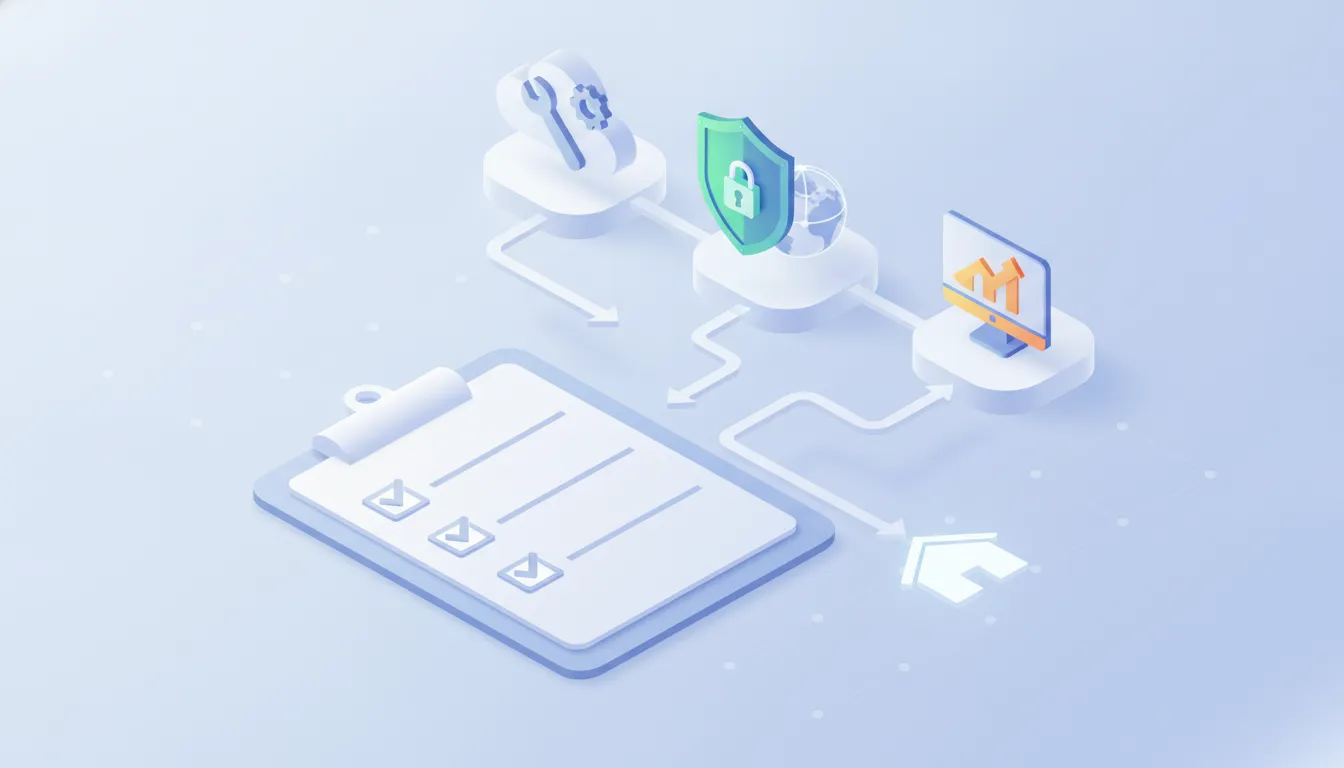
When you run a small company, time is your scarcest resource. Juggling inventory, customer service, staff, and bookkeeping makes it tempting to push website upkeep to the bottom of your priority list. However, adopting a structured website maintenance checklist directly impacts your bottom line in three critical areas: security, conversion rates, and search visibility.
First, security vulnerabilities are rarely targeted attacks against your specific brand; instead, automated bots scan the internet continuously, searching for outdated plugins, scripts, and software. If your site runs on outdated code, these bots can inject malicious redirects, display unauthorized ads, or steal customer information. Fixing a compromised website is dramatically more expensive and stressful than spending five minutes a week preventing the breach in the first place.
Second, user experience directly governs your sales. A prospective client who clicks on a broken button, encounters a slow-loading pricing page, or submits a contact form that silently fails will simply hit the back button and hire your competitor. Your website must work flawlessly every single day to turn casual visitors into paying customers.
Finally, search engines reward stability and speed. Search crawlers track how quickly your pages load, whether visitors bounce back to search results due to errors, and whether your links function properly. A well-maintained platform signals to search engines that your business is active, reliable, and worthy of top placement.
Your Weekly Website Maintenance Routine: The Quick Health Check
Your weekly maintenance routine should take no more than fifteen to twenty minutes. The goal here is simple: ensure the core functions of your website are working and that your digital safety net is intact. Set aside a recurring calendar reminder, perhaps every Monday morning over coffee, to run through these vital tasks.
- Verify Complete Backups: The single most important insurance policy for any website is an off-site backup. Automated tools can fail silently, so check your dashboard to confirm that a full backup (both your database and your files) ran successfully during the week. Consider using established reliable WordPress backup plugins that store copies on an external cloud drive like Google Drive, Dropbox, or Amazon S3 rather than keeping backups on the same server as your website.
- Test Key Conversion Paths: Visit your website as if you were a first-time customer using an incognito or private browser window. Fill out your main contact form, submit a test booking, or add an item to your shopping cart and walk through the checkout process. Ensure confirmation emails arrive promptly in your inbox.
- Check Site Availability and Loading Speed: Enter your web address and confirm that pages load crisp and clean. A quick test using a free performance tool will tell you if your server response time has suddenly slowed down, which could indicate a hosting issue or an overloaded database.
- Scan for Broken Links: Moving pages, deleting old blog posts, or typing incorrect URLs can lead to 404 errors. Run a quick automated scan to detect broken internal or external links before frustrated visitors stumble upon them.
Your Monthly Website Maintenance Routine: Security and Performance

While weekly checks focus on day-to-day usability, your monthly routine dives deeper into system health, software stability, and data cleanup. Following this part of your website maintenance checklist shields your infrastructure from bugs and bloat.
- Update Core Software, Themes, and Plugins: Software updates frequently include critical security patches alongside performance enhancements. Always perform a fresh backup before applying updates. Once updated, inspect your key pages immediately to make sure no visual layouts or interactive features broke during the update process.
- Review and Purge Spam Comments and Inactive Accounts: If your site allows user accounts or blog comments, automated spam can accumulate rapidly. Delete pending spam comments, clear out trashed revisions, and remove former employee user accounts that no longer need access to your administrative panel.
- Run a Comprehensive Malware Scan: Use an established security scanner plugin or a server-level scanner to inspect your core files. Look out for altered core files, unauthorized admin accounts, or unusual outbound traffic.
- Audit Page Speed Metrics: As you add new images and content, pages can become sluggish. Check your main landing pages to ensure large image files or unoptimized scripts have not caused page weight to creep up. If you manage your site yourself, you can also learn how to manage your WordPress website with AI to help analyze performance logs and draft routine technical checklists.
Your Quarterly Website Maintenance Routine: User Experience and Content Audits
Quarterly maintenance bridges technical reliability with strategic marketing. Every three months, take a broader view of how your website communicates with your market and how visitors interact with your messaging.
- Review Contact and Location Information: Small details slip through the cracks easily. Verify that your phone numbers, physical address, business hours, parking instructions, and social media handles are accurate across your header, footer, contact page, and structured data.
- Audit Outdated Content and Policies: Check your service descriptions and pricing. Are you still displaying a seasonal discount from six months ago? Are your privacy policies and terms of service up to date with regional privacy requirements? Prune or refresh stale blog posts.
- Test Across Multiple Browsers and Devices: Borrow a friend’s tablet, open your site on an Android smartphone, inspect it on an iPhone, and launch it in Chrome, Safari, and Firefox. Ensure that menus expand smoothly, fonts remain readable, and buttons are easy to tap with a thumb on mobile screens.
- Analyze Search Console and Traffic Trends: Log into Google Search Console and your analytics suite to monitor crawl errors, indexed pages, and keyword rankings. Leveraging modern SEO tools for small businesses helps you spot sudden drops in traffic before they harm your revenue.
Your Annual Website Maintenance Routine: Strategy, Hosting, and Legal Checks
Once a year, step back and conduct a comprehensive high-level review of your entire digital presence. This annual audit is your opportunity to evaluate your technology stack, renew crucial administrative assets, and ensure your site aligns with your business goals for the coming year.
Begin by reviewing your domain registration and SSL certificate. Ensure that your domain name is registered with your company’s primary business email address rather than an old agency or former employee’s personal account. Enable auto-renewal with a valid credit card on file so your domain never accidentally expires, which could take down your email and website overnight.
Next, evaluate your hosting infrastructure. As your traffic grows, shared budget hosting that served you well in your first year may struggle to handle customer spikes. Understanding the criteria for choosing the right hosting provider can help you decide whether migrating to managed cloud hosting will deliver faster loading times and better customer support.
Finally, review your copyright notices in the footer to ensure the current year is displayed, and check that your legal policies reflect any new services or tracking scripts you installed throughout the year.
Website Maintenance Tasks at a Glance
To help you organize your time effectively, use this comparison table summarizing the core tasks of your website maintenance checklist, their ideal frequency, and the primary benefit of each activity.
Common Maintenance Pitfalls and How to Avoid Them
Even well-intentioned business owners can stumble into common traps when handling website maintenance. The first major pitfall is updating plugins and themes directly on a live production website without a safety net. If an update creates a conflict between two plugins, your entire website might crash, showing visitors a blank white screen. Always create a backup immediately before clicking update, or consider using a staging environment (a private clone of your site) to test updates safely before pushing them live.
Another frequent mistake is accumulating unused plugins and themes. It is common to install a tool to test a feature and forget about it. However, inactive plugins still contain code that can be exploited by hackers, and they clutter your database. If you are not actively using a plugin, deactivate it and delete it completely.
A third mistake is storing website backups on the exact same server where the site lives. If your web host suffers hardware failure or your account gets compromised, your backups will vanish alongside your live site. Always send backups to an independent third-party cloud storage service so your recovery files remain untouched no matter what happens to your primary host.
Finally, avoid treating website maintenance as an all-or-nothing endeavor. Missing a week is not a catastrophe; the danger lies in abandoning the process entirely until a major malfunction forces an emergency repair. Consistency beats perfection every single time.
Caring for your digital storefront does not need to feel complicated, stressful, or deeply technical. By dedicating a few predictable minutes each week and month to this actionable website maintenance checklist, you protect your revenue, safeguard your customer data, and build an online presence that steadily drives your business forward year after year.
Ready to Scale Your Digital Infrastructure?
Don’t let technical bottlenecks slow your growth. Discuss your project around The Essential Website Maintenance Checklist for Small Businesses directly with our senior experts at Low Cost Web Agency.