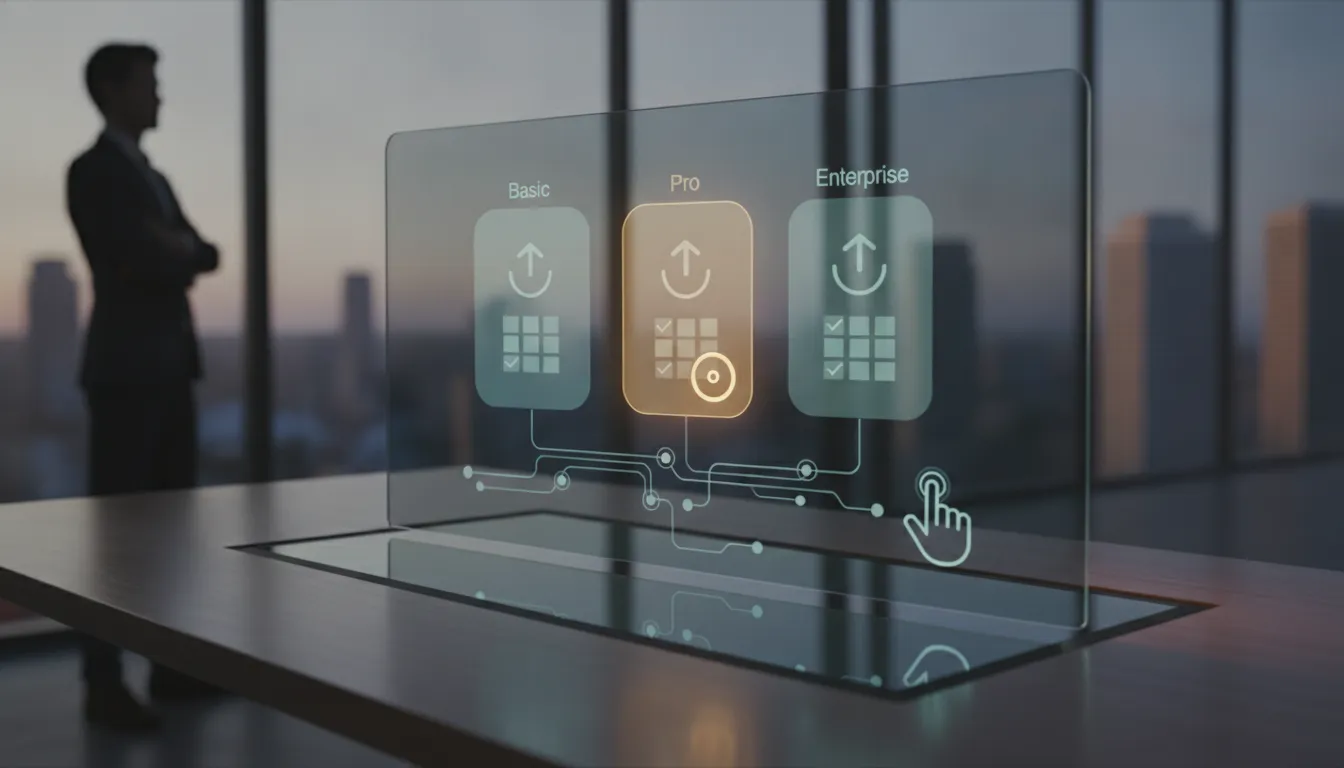
A website pricing page has one job: to help a nervous visitor move from ‘I wonder what this costs’ to ‘I know enough to take the next step.’ When it works, people enquire or buy with confidence. When it does not, they quietly close the tab and look at a competitor who was simply easier to understand.
This guide is written for small business owners with no design or marketing background. We will walk through how to show prices, packages and ‘from’ rates, how to handle ‘contact us for a quote’ situations honestly, and how to answer the cost worries that visitors rarely say out loud. Everything here is practical, and you can apply most of it in a single afternoon.
Why Clear Pricing Builds Trust

Imagine walking into a shop where nothing has a price tag. You would probably feel a little uneasy. Do you have to ask for every item? Will the answer depend on how you look? Will you be embarrassed if it is too expensive? Many visitors feel exactly this way when they land on a site with no pricing information at all.
Your website pricing page is the price tag on your shop window. It does not need to list every possible figure, but it should give people enough information to decide whether you are in the right ballpark. Visitors who can see that, and still contact you, are usually better prepared and easier to work with. Visitors who would never have been able to afford you can quietly move on, which saves you both time.
It also helps to be clear about what a pricing page is not. It is not a place to show off or to bury people in small print. It is a friendly guide that answers one question: what will this cost me, and what do I get for it?
Start With the Questions Visitors Are Really Asking
Before you design anything, collect the questions real people ask you about money. Look through your email inbox, your social media messages and your call notes. Ask yourself, or your team, what customers say just before they decide to hire you or walk away. You are looking for patterns, not perfection.
Most small businesses find that the questions fall into a handful of groups:
- What do I actually get? People want to know what is included, in plain words.
- Roughly how much? They want a ballpark before investing time in a conversation.
- Is this right for someone like me? They are checking whether you work with businesses of their size and type.
- What happens after I pay or enquire? They want to picture the process and the timeline.
- What if something goes wrong? They are looking for refunds, guarantees or clear terms.
Write these down in your customers’ own words. Your page will be built to answer them, in roughly that order.
How to Present Prices and Packages Clearly
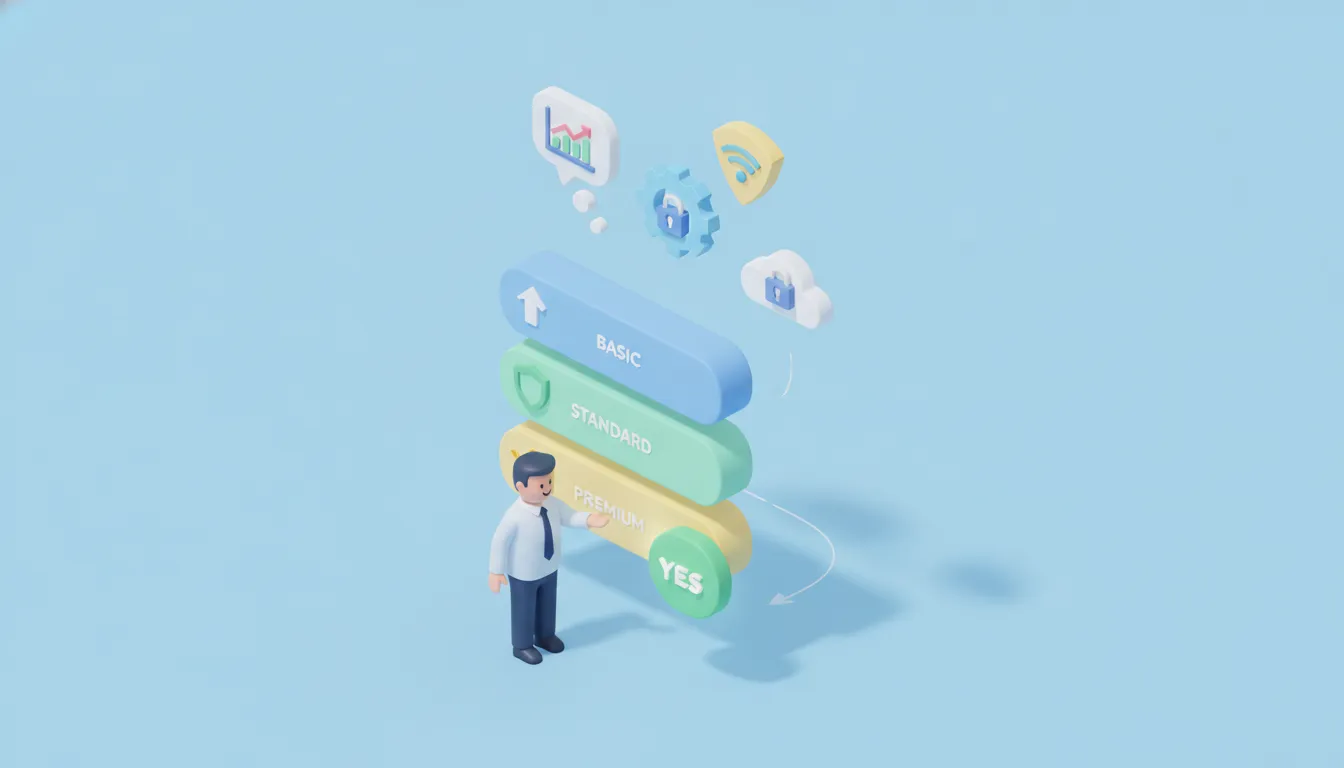
Think of a good restaurant menu. It groups dishes sensibly, describes them briefly, and shows prices where you can find them without hunting. A well-built website pricing page follows the same logic. Here is how to get there step by step.
Keep the Number of Options Small
Two to four packages is usually plenty for a small business. Too many choices can make people hesitate, because they start worrying about picking the wrong one. If you offer many services, group them into a few clear bundles and list the extras separately underneath.
Name Packages by Who They Are For
Names such as ‘Silver’ and ‘Gold’ tell visitors very little. Names that describe the customer or the outcome are easier to choose from, for example ‘Just Getting Started’, ‘Growing Business’ and ‘Full Service’. Add one short sentence under each name that begins with ‘Best for…’ so visitors can find themselves quickly.
Spell Out What Is and Is Not Included
Vague inclusions create doubt, and doubt creates delays. Use short, concrete bullet points: how many pages, how many revisions, how long support lasts, who owns the finished work. If something is commonly assumed to be included but is not, say so kindly and plainly. That single line can prevent many awkward conversations later.
Make the Next Step Obvious
Each package should end with one clear button, such as ‘Book This Package’ or ‘Ask About This Plan’. Use the same wording for every option so visitors are not left wondering what will happen when they click. Make sure the page also works well on a phone, because many people will read it there.
Using ‘From’ Rates Without Confusing Anyone
A ‘from’ rate is a starting price. It tells visitors the lowest amount a typical job costs, so they know whether you are in their range. It is very useful when your work varies, but it can backfire if people feel tricked later. The goal is to make the starting price honest and the reasons for any increase easy to understand.
A few simple rules keep ‘from’ pricing trustworthy:
- Base it on a real job. The ‘from’ price should match something you genuinely deliver, not a stripped-down version nobody ever buys.
- Explain what moves the price. List the two or three main factors, such as size, deadline or number of locations.
- Give an example. A short sentence like ‘A typical small project with these features usually lands around this level’ helps people place themselves. Only use figures you actually charge.
- Say what the price covers. Clarify whether taxes, delivery or ongoing fees are separate.
Here is a quick comparison of the three main ways to show prices, so you can choose the one that fits each of your services.
What to Do When the Answer Is ‘Contact Us for a Quote’
Sometimes a quote really is the honest answer. A bespoke project, a service that depends on a site visit, or work that varies enormously from client to client cannot always be priced in advance. The problem is not the quote itself. The problem is a bare ‘contact us for a quote’ with nothing around it, which feels like a locked door.
Instead, give visitors enough to feel safe walking through it. Consider adding:
- A starting point or typical range, if you are comfortable sharing one, or at least examples of past projects described in general terms.
- The factors that affect the price, so people understand why a quote is necessary.
- A simple process, for example: you tell us about your needs, we reply within a stated time, you receive a written quote, and there is no obligation.
- A realistic response time, which you must then actually meet.
- A short form, asking only for what you truly need to give a useful quote.
The quote request is where your pricing page hands over to your enquiry form, so the two should feel like one smooth journey. If you want help making that second step easier, our guide on how to write a website contact page that gets enquiries covers form length, wording and trust signals in detail.
Answering Common Cost Objections
Even with clear prices, visitors will have worries. Most will not email you to discuss them. They will simply leave. A short section of questions and answers near your prices lets you address these doubts at the moment they appear. Be honest, stay calm and avoid sounding defensive.
‘It Costs More Than Another Offer I Saw’
Do not attack competitors. Instead, explain what your price includes that people often overlook: your experience, support after delivery, ownership of the work, or the time you spend on planning. Visitors are often comparing two things that look the same but are not. Helping them compare like with like is fair and useful.
‘I Am Not Sure It Will Be Worth It’
Show the result, not just the activity. Short real examples of what past customers achieved, described accurately and with their permission, work better than big promises. If you cannot share results, explain the problem you solve and how your process addresses it. Never promise outcomes you cannot control.
‘What If There Are Hidden Costs?’
This is one of the biggest fears online, so answer it directly. State what is included, list any common extras and their prices, and mention that you will always confirm costs in writing before starting. A simple sentence such as ‘No surprise charges; any extra work is agreed with you first’ removes a lot of tension, provided it is true.
‘What If I Am Not Happy?’
Explain your revision, refund or guarantee policy in plain language. If you do not offer refunds, describe what you do offer, such as a number of revisions or a review stage before final payment. Clear terms feel safer than silence, even when they are strict.
‘Can I Pay in Instalments?’
If you offer payment plans or deposits, say so on the page and explain how they work. If you do not, you can mention the payment methods you accept. Either way, the visitor should not have to ask.
Test, Track and Keep Your Page Up to Date
A good website pricing page is never really finished. Your costs change, your services evolve and your customers ask new questions. Treat it like a shop window that you refresh regularly, not a poster you print once and forget.
Use this simple routine to keep it working:
- Read it as a stranger. Ask a friend who does not know your business to explain, in their own words, what each package costs and includes. Wherever they stumble, rewrite.
- Check the details. Make sure prices, inclusions and terms match what you actually charge today. Add the page to your regular routine, such as the one in our website maintenance checklist for small businesses.
- Watch the questions. Whenever a customer asks something your page should have answered, add it.
- Follow the journey. Note which pages people visit before they enquire, and ask new customers how they found you. Our article on marketing attribution for small business explains how to do this without complicated tools.
- Change one thing at a time. If you rewrite a headline, reorder packages and change a button all at once, you will not know what made the difference.
Conclusion
A strong website pricing page does not try to trick or pressure anyone. It answers the questions people are already asking, shows prices or realistic starting points in plain language, explains what is and is not included, and offers a friendly path forward when a custom quote is needed. Start small: list your visitors’ top cost questions, tidy your packages into a few clear options, add honest answers to the usual worries, and make the next step easy to find. Then keep refining it as you learn from real conversations. When visitors understand what they are paying for and why, saying yes feels like a safe and sensible decision.
Say it. It’s made.
Got a project around How to Write a Website Pricing Page That Helps Visitors Say Yes? Tell Nova what you need, by voice or text, 24/7. She turns it into a clear brief and a price in credits, and our team delivers.